AI assistants
Three AI assistants, one platform.
A Hiring Decision Assistant that guides every engagement toward compliant worker classification. An in-app Platform Assistant that answers any question about how Engage works. A Support Assistant that's context-aware on the screen you're looking at. All live today.
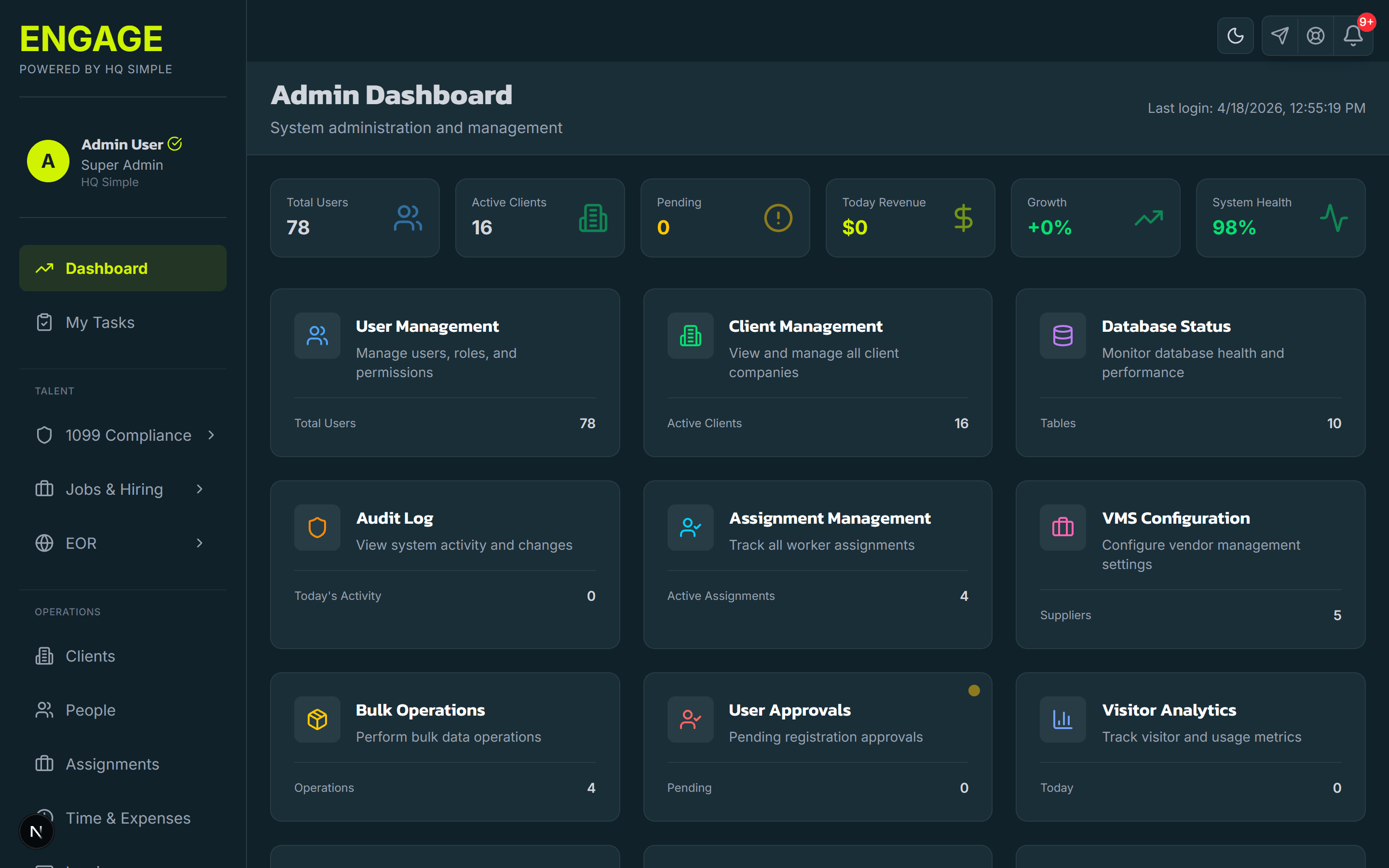
Engage embeds three AI assistants into the platform. The Hiring Decision Assistant is a conversational tool that asks questions about a prospective engagement, scope, control, duration, compensation, geography, and walks you toward the right classification (1099 contractor, W-2 employee, EOR employee, or "route to legal"). The Platform Assistant is a knowledge-base chatbot that answers any question about how Engage works, from inside the app. The Support Assistant is context-aware, it sees what screen you're on and what you're trying to do, so answers are specific to your situation, not generic documentation.
Hiring Decision Assistant
A conversational chatbot that asks about the engagement, who controls the work, who provides tools, how long it runs, what the pay structure looks like, what jurisdiction applies. It walks you toward a compliant outcome (1099, W-2, EOR, or "route to legal for review"). Editable in Settings > AI Settings.
In-app Platform Assistant
A chat assistant inside Engage that answers any question about how the platform works, how to configure a workflow, what a field means, how to run a report, how a specific integration behaves. Draws from a comprehensive Engage knowledge base.
Context-aware Support Assistant
The support chat sees the screen you're on and the action you're trying to take. Answers are specific to your workflow, not generic docs. Escalates cleanly to a human when you need one.
Risk mitigation by design
The Hiring Decision Assistant is prompted to emphasize compliance and risk mitigation, not to rubber-stamp the easiest answer. If a contractor arrangement looks risky, it says so and routes to the classifier or to legal.
Editable prompts
Admins can adjust each assistant's behavior in Settings > AI Settings, tighten the Hiring Decision Assistant for your industry, adjust tone, adjust the level of caution. Every change is logged.
Audit trail on every interaction
Every conversation is logged with user, timestamp, inputs, and model output, the same audit trail standard the 1099 classifier runs on. Regulatory defensibility, not a black box.
AI worker performance analysis
Managers get ongoing AI-generated insights on worker performance trends across assignments, flagging standouts and surfacing who may need coaching. Pulls from time data, approval patterns, and project outcomes on the same record.
AI chat in contingent-workforce platforms compared
| Feature | Engage | Deel | Rippling | Generic chatbot |
|---|---|---|---|---|
| Hiring decision chatbot (classification guidance) | ||||
| In-app knowledge-base assistant | Partial | Partial | ||
| Context-aware support chat | ||||
| Editable prompts per company | ||||
| Audit trail on AI conversations |
Why three assistants instead of one
Each assistant has a different job. Merging them would compromise all three.
The Hiring Decision Assistant is opinionated. It's prompted to push users toward compliance and away from risky arrangements. It's the right tool when a hiring manager is about to engage a contractor and needs a sanity check before paperwork starts. The prompt is editable by admins, so finance, legal, or HR can tune it to the company's risk posture.
The Platform Assistant is comprehensive but neutral. It answers "how does this work in Engage?", nothing more. It doesn't dispense advice; it dispenses documentation. That's a different prompt, different model behavior, and a different knowledge base.
The Support Assistant is reactive and context-aware. When a user opens it from a stalled workflow, it starts by trying to fix that specific workflow. It escalates to humans cleanly when it can't. Different job, different prompt, different routing.
Putting all three behind one chat window would make each one worse.
Where each assistant shows up
- Hiring Decision Assistant, appears at the start of a new engagement flow, on the classification pre-screen, and on the "add a contractor" CTA. Admin users can also surface it on any custom screen.
- Platform Assistant, global chat icon in the top-right of every Engage screen. Always available.
- Support Assistant, "Need help?" link on every screen; opens a chat panel with screen context pre-loaded.
What this replaces
Without assistants like these, the default workflow is: the hiring manager makes a call, the paperwork runs, and the compliance problem surfaces six months later during an audit or a worker-filed complaint. The assistants front-load the decision, they don't make it for you, they make sure the right questions get asked before the engagement starts. That's the outcome that's hard to get from documentation alone.
Frequently asked questions
- A conversational AI chatbot that guides a hiring manager or recruiter through a short interview about a prospective engagement, scope of work, who controls hours and methods, pay structure, duration, jurisdiction. Based on the answers, it recommends an engagement type: 1099 contractor, W-2 employee, EOR employee (for international), or 'route to legal for deeper review.' The goal is to catch misclassification risk at the moment of decision, not after the fact.
Want humans behind the AI too?
HQ Simple's managed 1099 compliance and EOR services put a human compliance team behind the AI output. The assistants do the first pass; HQ Simple handles the complex cases.
Related on Engage
Ready to engage your workforce?
Start with the free ATS. Grow into contractor management, VMS, and International EOR without changing systems.